
Some of these are normal faces, but we also learnt how to draw robot faces and different sorts of noses, eyes, mouths and other facial features. To start with we had to draw an oval for the face and then draw some 'guild lines' there's were lines where the eyes, nose and mouth would all sit.
The next task was to research 5 apps for example some popular websites and explain what they are used for, this helped us a lot as it made us all understand the reasons why websites and online games are invented. I researched about Snapchat, Instagram, Facebook, Candy crush and Netflix all of these are really recent and popular. This helped us get some ideas for when we go on to making our own game.
Once we did this, we had to go on Illustrator and also Moodle and follow a tutorial on how to create 'snowflakes'. We had to make 5 different types of snowflakes. To start of with, we just had to put loads of shapes together, Once we made 5 different patterns, we then had to select them and then click onto the shapes at the top of the page and click new brush. This then brought another box up giving you different opinions. By clicking on the bottom one called 'Pattern brush' then okay. Another box appeared, That is what made your snowflake. After deciding which one you preferred you then click 'Ok'. Once you did that you then placed a Polygon onto the page using the shape button again and then back onto where you click the shapes at the top and you click the one that is shown on the page this will bring up a snowflake!
Here is one of the snowflakes I made using Illustrator -

The next task once we had completed this was another tutorial on moodle on how to create a business card, this was using Photoshop. To begin with we had to open Photoshop and select a 'clipboard' or a International paper' and use the exact measurements '85mm width and 55mm height' this makes the exact size for a business card. Afterwards, we had to select a rectangle using the shape tool, then select the drop down menu in the option bar and then click 'fixed height' and fix the height of the rectangle too - '85mm width and 55mm height'. we then had to colour it, using fill. ( I had to use Grey as my computer played up) We then go onto 'Layers' - 'Smart object' - 'Convert to smart object'. You then double click on your new smart object layer to bring up layer style menu. Then select 'Gradient overlay' once you have done that go onto 'Adjustments' and add 'posterize' and adjust the level. Once that was done, you then added text boxes and added information such as, where you are based, how to contact you, phone number, email, facebook page and then also a picture.
Here is the business card I made -

The next task once this was completed was research for our assignment and answer some questions about platform games, we then had to research 3 different platform games and explain why they are popular and what goes on in the games.
The three games I researched were -
- Sonic
- Mario
- Donkey kong
 The sonic games are all popular because it's made for all ages, it's a fun game to play and there are multiple of levels to complete. Sonic is really different to Mario as Sonic introduced mild violence to the 2D and 3D platform game. It was something different compared to fantasy world. Sonic is a more realistic game.

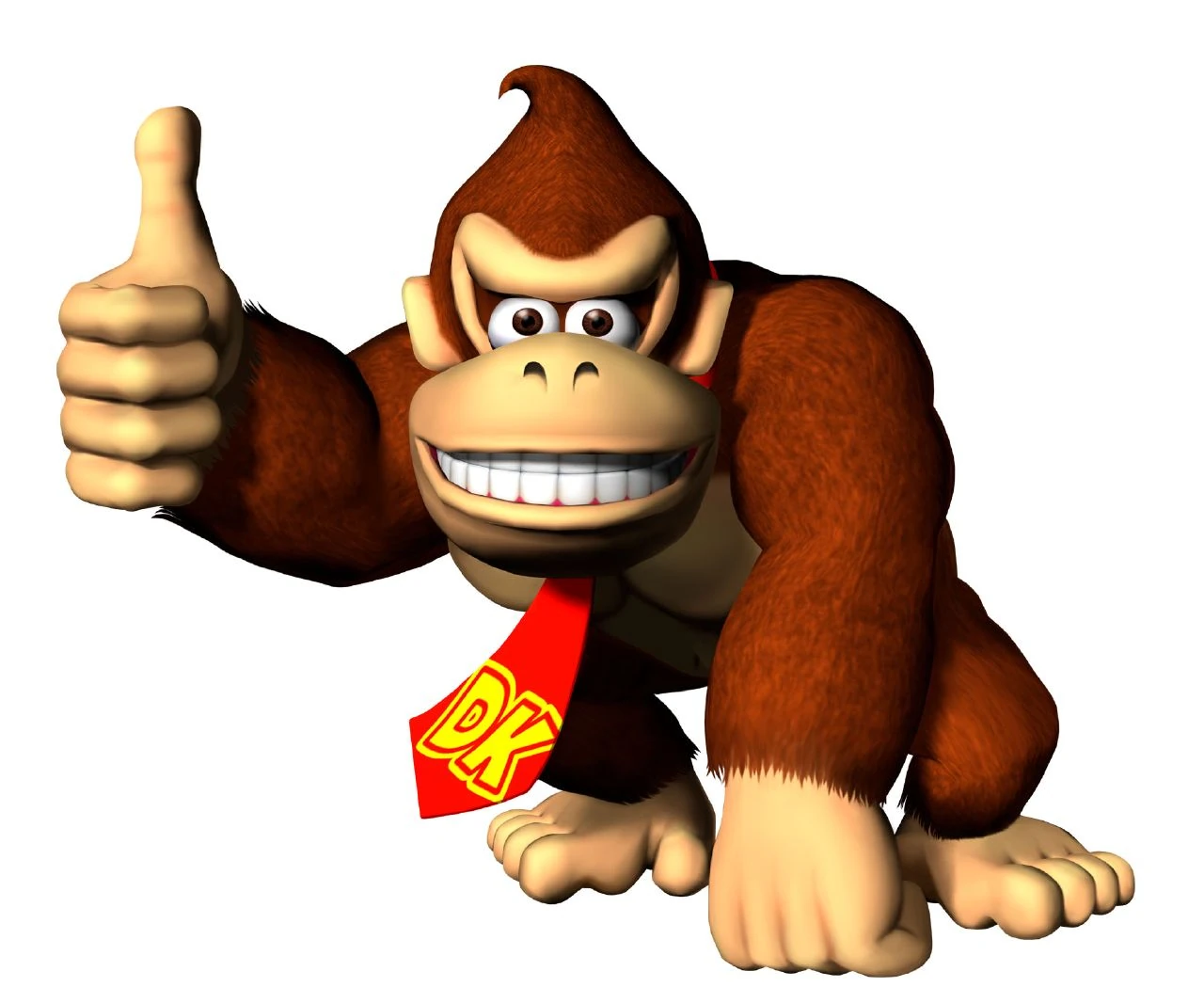 Finally, Donkey Kong was produced before Mario was produced so this would of been really popular before hand, this game includes jumping over obstacles and dodging different sorts of stuff. Donkey Kong used to be really popular Nintendo game for all the children to enjoy.
Our next task was how to make 'Cute Animation Characters' I really enjoyed doing this, was it was really unique and fun to do. We did this on illustrator following a tutorial of Moodle, All we really used for this was the shape tool as it was being made by shapes. Here are the two I made -

Afterwards, we got onto creating our platform for ourselves and drawing our own characters! We had a look at the options we got given - here they were.
the characters we could chose from where either-
- Robot
- Mammal
- Warrior Princess
the platforms we got to chose from where -
- A world covered in 90% water
- A world were trees can talk
- A world covered in ice-cream
and finally the missions -
- Save the prince/princess
- Dispose of the evil wizard
- Bring down the powerful corporation
After some thinking I decided to go for a Robot, and the platform were going to be 90% in water but also with trees that can talk and my mission was to dispose of the evil wizard. Firstly here were the characters that I drew -

We then had to draw the platform that we wanted to use, I drew a rough copy out to get an idea of what I wanted it to look like - here it is -

Once we did that, we had to think about one character that we wanted to take forward to use for our actual game and draw a bigger more neater version for everybody to be able to see which one I had chosen to take a cross. This is the one I picked -

Then we had to draw a neater copy of our platform with labels to explain where everything is and what was going to happen, because of my levels I drew 2 different ones, I drew a level 1 - this is the simple level and then I also drew a level 10 and labeled it to prove how harder it does get, Here are both of my levels -
 -Level 1.
 -Level 10.
We then had to try and create these characters on Illustrator. this was hard as you could only really need shapes and some shapes that I used for my main character I couldn't make on Illustrator but here is my go at making my character -

We then had to do the same with our platform the only problem I had was making the water on there, therefore for now I just left it and carried on making my platform -
The target audience for my game is any age as there is no swearing, no violence it's just a fun game that some hard trails come on the way of trying to complete the level. If I could improve this I would like to try and get more adventurous next time and try and make it a bit more more adults next time as I feel that will be a really fun game to try and create. I really liked my character and the way I had set out the game, I like some of the hard trails on the way that catch people out. Making this the most thing I used was Illustrator and the shape tool. I have learnt quite a lot during this, I have learnt how to use Illustrator a bit more and how to create different characters and how to draw proper faces and robots.

No comments:
Post a Comment